October 10, 2026


You have thirty photographs you are proud of and a blank grid on your portfolio site. Upload them in the order you shot them and you get a gallery: pleasant, forgettable, easy to scroll past. Put those same thirty in a considered order and you get a body of work — something a visitor can follow from the first frame to the last. Sequencing is the difference between showing pictures and telling someone what you do. It is also the step most photographers skip, because it feels like taste rather than technique. It isn't. There is a method, and it starts before you move a single image.
Before you drag anything around, write one sentence: who is this for, and what should they do next? For example, "This is for picture editors commissioning portrait work, and I want them to email me about a shoot." Or: "This is for couples planning a wedding in the UK, and I want them to enquire about dates."
That sentence is your editing tool. It tells you whether the odd, quiet frame at number fourteen belongs in the sequence, or whether it is there because you like it and for no better reason. Every image that doesn't serve the purpose is a candidate for cutting. Be honest about this; the temptation is always to include a favourite that only makes sense to you.
For most portfolios, somewhere between eighteen and thirty images is plenty. If you are showing documentary work or a single extended project, more can work, but only when the extra frames genuinely move the story along. Length is not a mark of effort. A tight edit reads as confidence.
The first image earns the second look. It should be legible at thumbnail size, confident, and representative of what you actually want to be hired for. It does not have to be your single best photograph, because you do not want the whole sequence to feel like a slow descent from the peak. Many strong portfolios place one of their two strongest images first or second, then keep something in reserve.
Equally, the final image matters more than most people assume. It is what a visitor carries away, and a quiet frame often works better as a full stop than another loud one. A wide, still landscape after ten busy portraits can feel like a deliberate ending rather than an anticlimax.
The most common sequencing mistake is putting two similar photographs side by side at the top. Two beach shots, two almost-identical portraits against the same wall, two versions of the same street corner. They cancel each other out. If you cannot say why the second image exists once the first has been seen, move it or cut it.
Rather than treating thirty images as one long line, build small runs. A run is a cluster of two to five photographs that share something specific — a place, a light, a mood, a repeated formal idea. Three frames from one overcast morning on the coast. Four portraits lit the same way. A wide, a middle and a close from the same rooftop.
Runs give the eye somewhere to rest and something to notice. They also make the whole sequence easier to rearrange, because you are moving groups rather than individual pictures.
What holds a run together:
Then break the run. Follow three soft coastal frames with a hard, graphic indoor picture. The contrast makes both parts stronger.
Once you have your runs, arrange them so the sequence alternates rather than repeats. Think in opposites: loud and quiet, dense and empty, colour and monochrome, wide and close, horizontal and vertical, faces and no faces. Two adjacent images doing the same job is the most common reason a portfolio feels flat, even when every individual picture is good.
If two frames do the same job, one of them is spare.
Consistency of processing also matters here. If one photograph is noticeably warmer, softer or more heavily edited than its neighbours, it reads as an accident rather than variety. Aim for an edit that looks like one person made it in one period of their life. That does not mean every frame identical, but the differences should feel deliberate.
Sequencing goes faster if you follow a process instead of trusting a burst of inspiration. Try this:
When the order feels close, make one more cut. There is almost always a spare image in every run — a near-duplicate, a frame you are lukewarm about, or one that only makes sense when you explain it. Removing it usually improves the sequence without anyone noticing the absence.
Then check the small things: crop ratios that jump around distractingly, colour temperature that drifts between frames, inconsistent sharpening. Fix those, and publish. A portfolio that lives on your hard drive helps nobody.
Leave it alone for a month, then review it. Notice which images you still defend and which you have quietly stopped caring about. Replace two or three rather than rebuilding the whole thing, and keep the runs intact where they still work. A portfolio is a living document; the order will shift as your work shifts, and that is a sign it is being looked after.
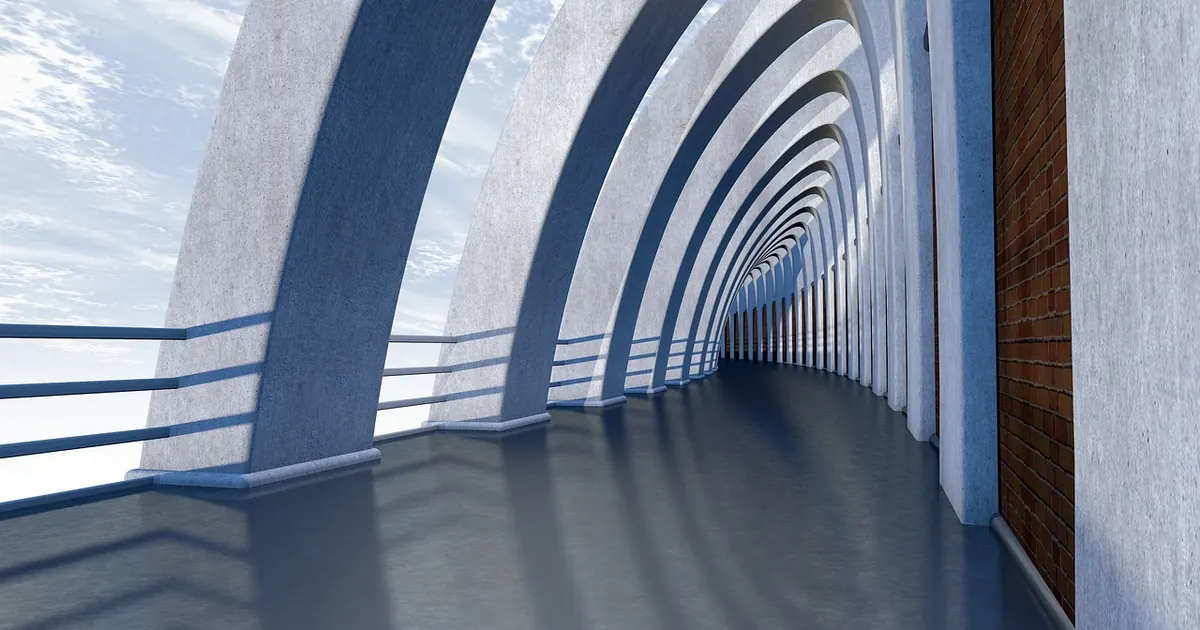
Photo: PIRO4D / Pixabay
Curated portfolios for creative professionals.
Copyright © 2026 Ideal Folio. All rights reserved. Ideal Folio.